tolearn
Study an LLM-written program offline — no account, no key, no subscription.
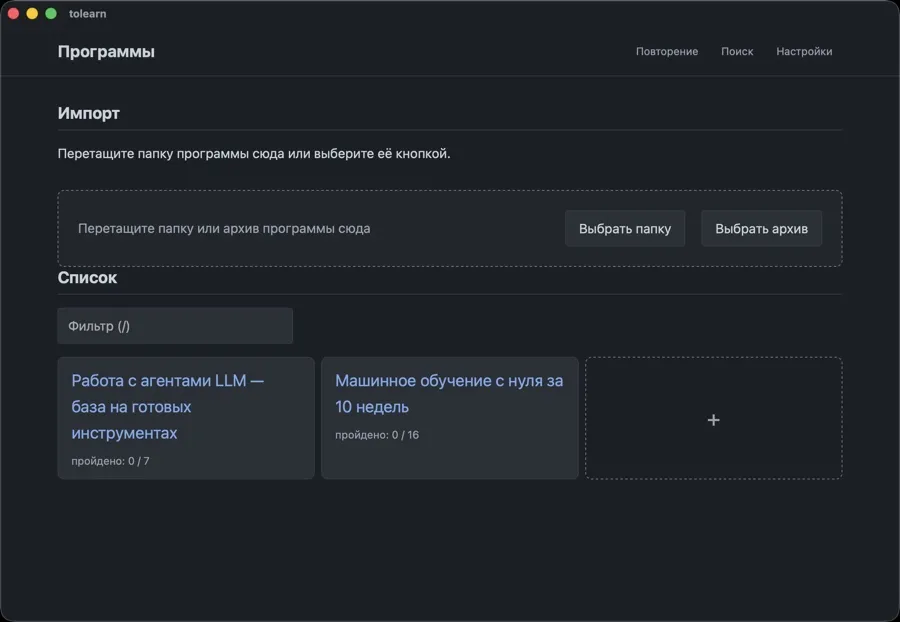
The program comes from an LLM as a bundle of YAML; the app runs it — topics with materials, practice on a timer, a dependency graph, an exam you can pass by copy-paste into any chat. Notes stay in your own Obsidian vault, sources are archived to disk. macOS, Windows, Linux.
What it does
An LLM writes the program — roadmap.yaml, topics/*.yaml, examiner.md: topics by stage,
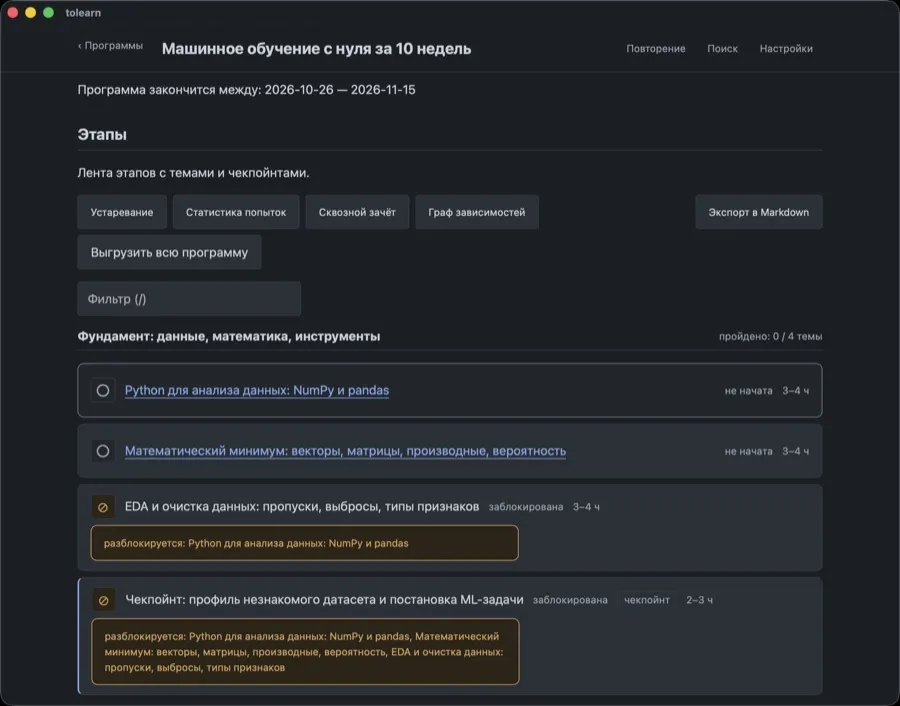
each with its materials, practice and questions. tolearn runs it. Topics, progress, a note per
topic, a timer on the practice, a dependency graph, and an answer to “what now?”.
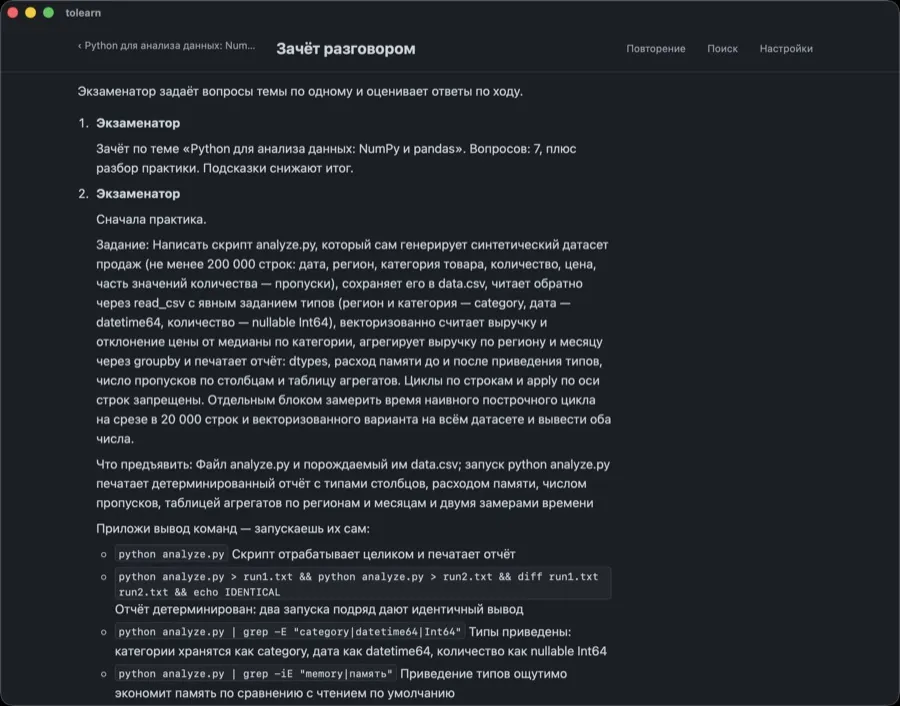
The exam is still judged by an LLM, but the app needs no account, no key and no
subscription: it assembles the prompt, you paste it into any chat and paste the answer back.
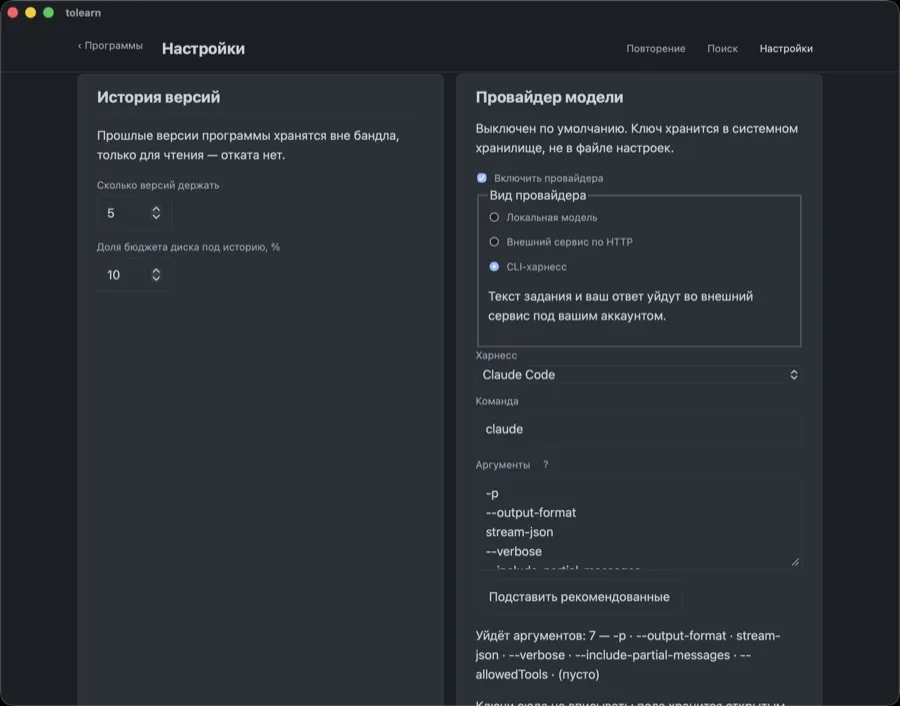
Prefer it automated — point Settings at Ollama or an OpenAI-compatible endpoint, and the key
lives in the OS keychain. Either way the verdict lands in your program’s progress.yaml, and
nothing else in the bundle is ever written to.
The rest is offline by design. A topic’s materials download once and are saved whole as a single
HTML file, so the reader works with the network off; nothing but a download you asked for ever
goes online. Notes are plain .md — keep them in your Obsidian vault, there is a plugin for it,
or in the app’s directory under encryption. The whole program exports to one Markdown file.
Status: working. Everything above is done, voice exam and installers for all three operating systems included.
Install
Take the installer for your OS from the
releases page — macOS (Apple Silicon, .dmg),
Windows 10/11 x64 (.msi), Debian/Ubuntu x64 (.deb). Anything else — an Intel Mac, ARM Linux,
another distribution — means a build from source.
Two variants ship, and you install exactly one:
| Variant | What’s inside | Who it’s for |
|---|---|---|
tolearn | everything except speech recognition | the default — take this one |
tolearn-with-speech | plus whisper.cpp and the model weights | those who take the exam out loud |
One source tree, one differing build flag, one differing screen: in the base variant the voice
exam is visible and disabled. The weights are the whole difference in size — 9 MB against
187 MB. Both carry one identifier, so two installed variants would fight over the tolearn://
scheme. Your data lives outside the bundle and survives a switch either way.
The installers are unsigned — no Apple certificate, no Authenticode, so macOS and Windows will both say the developer could not be verified. Getting past that is a deliberate act: do it only for a file you took from this project’s releases page. The steps per OS are in Installation.
Where your data lives
Settings and the program registry in ~/.config/tolearn, notes, page archives and history in
~/.local/share/tolearn — the same paths on all three operating systems. The programs themselves
stay wherever you put them: the app keeps the path, not the program. Uninstalling touches none of
it.
Screenshots