Pallete
Offline desktop palette collector — pulls hex, rgb and hsl out of any text.
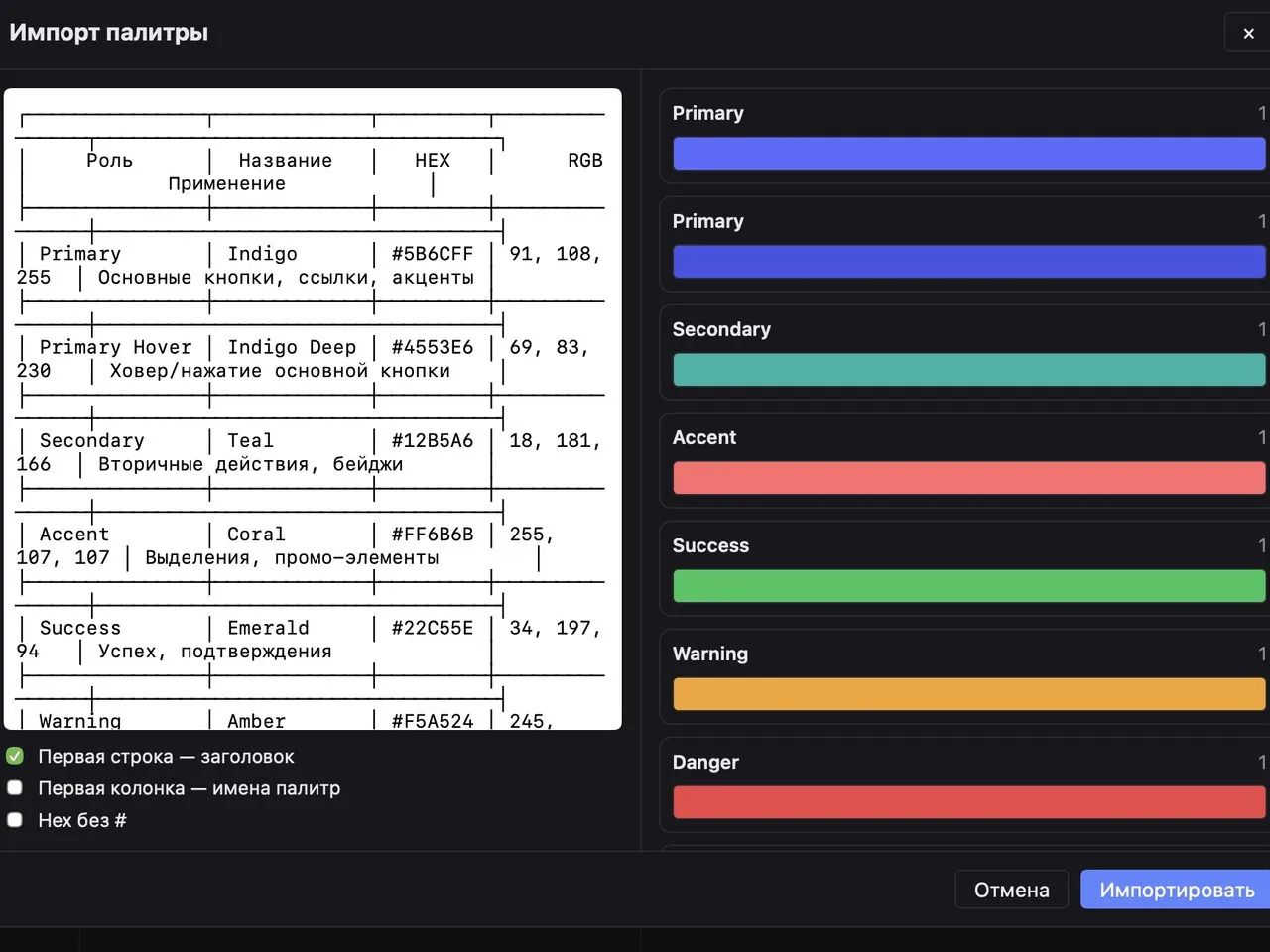
Paste anything with colours in it — CSS, a table out of a design doc, a list of hex codes from a chat — and get palettes without retyping a single value. A project is a plain JSON file you can keep in git, share and back up like any other source.
What it does
Paste anything that has colours in it — a chunk of CSS, a table out of a design doc, a list of hex codes from a chat — and get ready palettes without retyping a single value.
Nothing leaves the machine: no network calls, no telemetry. A project is a plain
*.palette.json file wherever you put it, so it lives in git, gets shared and backed up like any
other source file. Changes hit the disk on their own — there is no Save button.
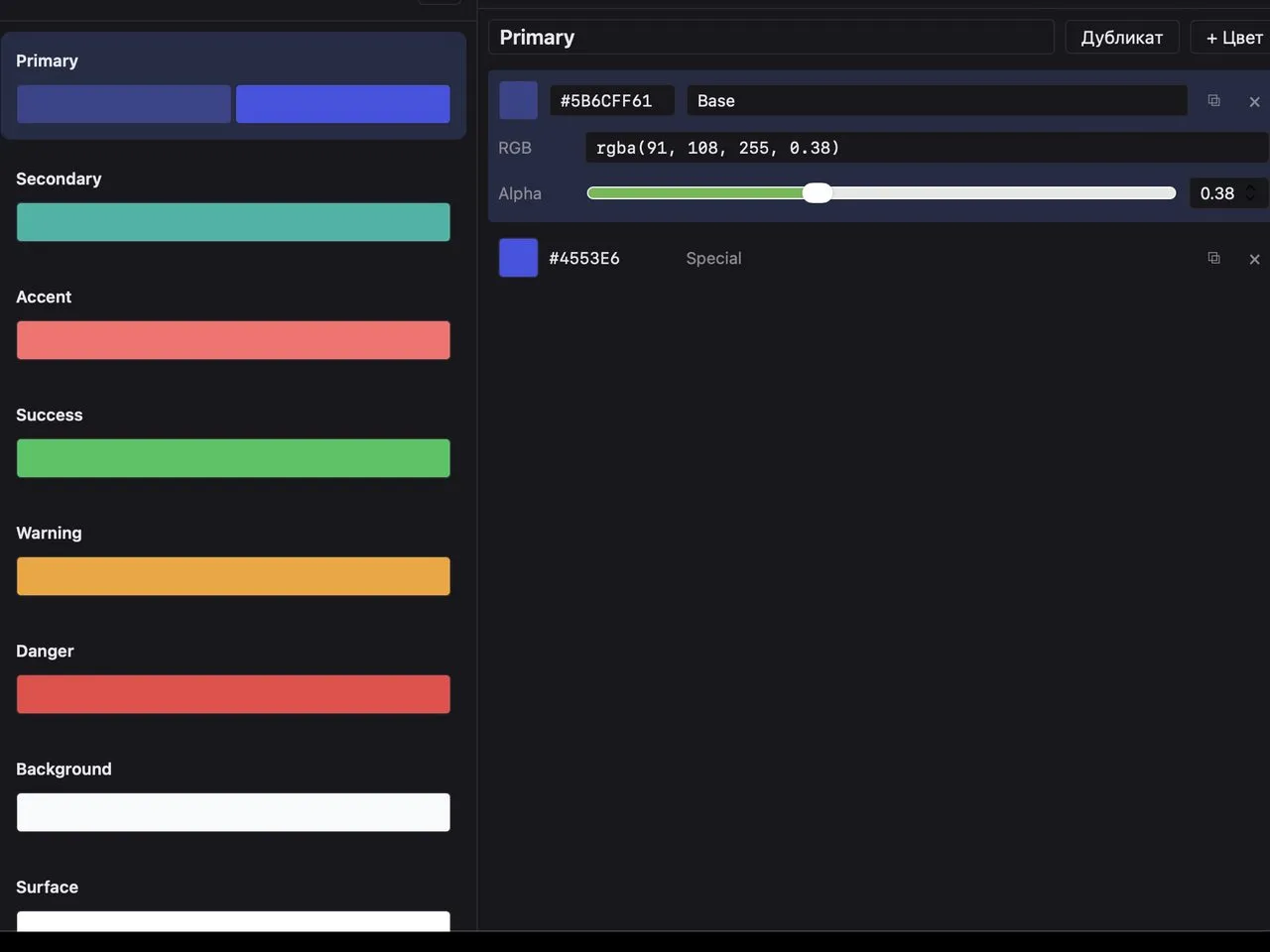
- Three columns: projects → palettes → colours.
- Import from arbitrary text — hex,
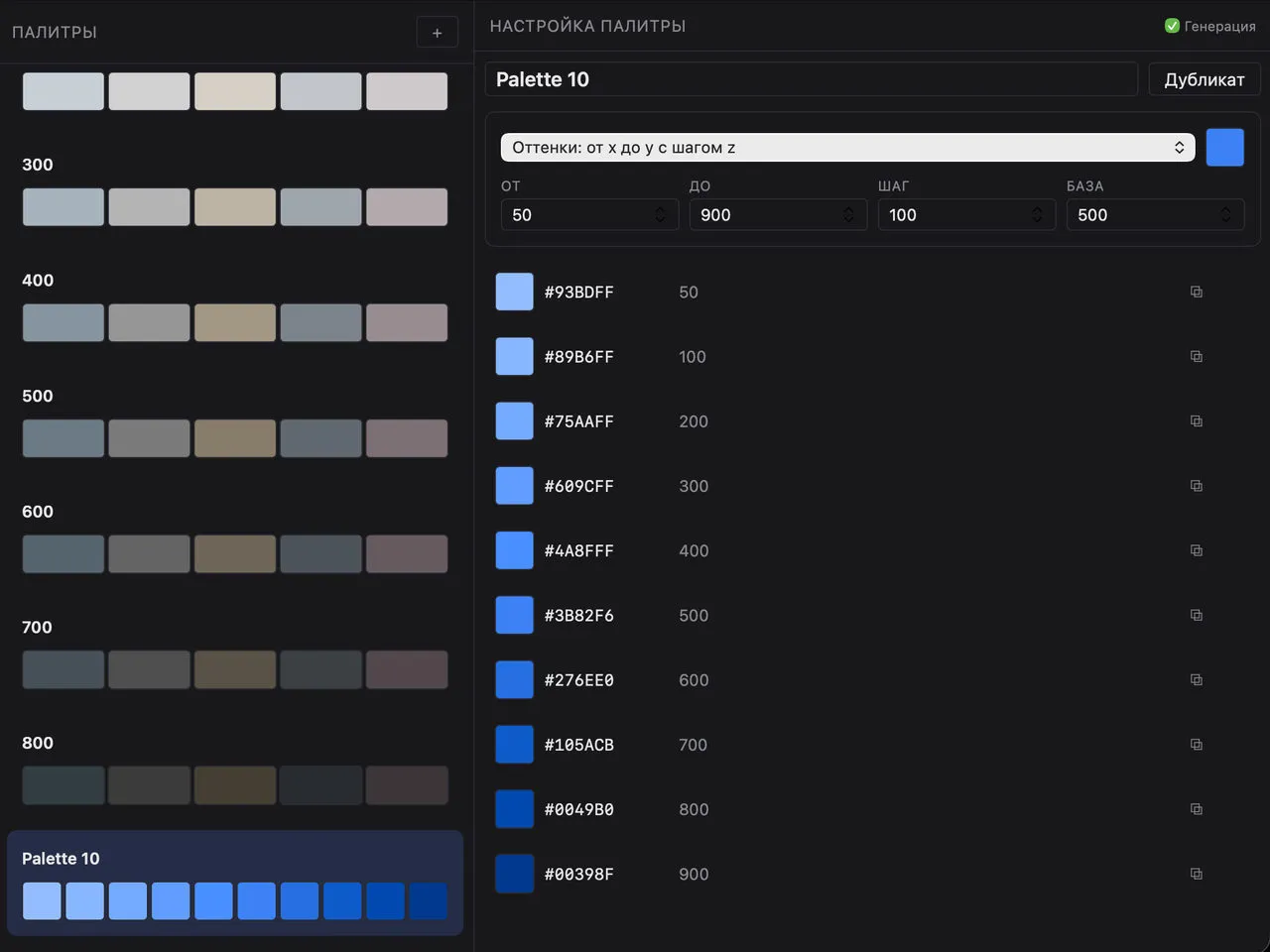
rgb()/rgba(), ASCII and Markdown tables, CSS/SCSS variables, grouped into palettes by section comments or by a shared name prefix. What exactly is recognised: import formats. - A palette generator that grows a whole palette out of a single base colour in OKLCH: shades, a tonal scale, an A → B gradient, an alpha scale, harmonies and a semantic role set.
- Undo/redo by command — an import is one step in history and rolls back whole.
- Click a colour to copy it as hex, rgb or hsl; drop a
.txt,.md,.cssor.scssfile into the window to import it. - Dark, light and system themes.
Install
No published releases yet, so the app is built from source. You need Node with pnpm and a Rust toolchain — the standard Tauri 2 prerequisites.
git clone https://github.com/n0sfer666/pallete.git
cd pallete
pnpm install
pnpm tauri build
pnpm tauri dev runs the app without producing an artifact.
First launch of an unsigned build
The build is unsigned, so the system asks before running it the first time:
- macOS — the first launch is refused. Open System Settings → Privacy & Security, scroll to the bottom, press Open Anyway, and launch it again. Do not strip the quarantine attribute by hand — that disarms the check for everything else you download.
- Windows — on the SmartScreen warning: More info → Run anyway.
- Linux — run the
.AppImagedirectly,chmod +xit if needed.
Where the data lives
Projects stay where you created them. The workspace — remembered projects, the theme, the copy
format — lives in the app directory under the dev.n0sfer.pallete identifier, so reinstalling
does not wipe it.
Screenshots